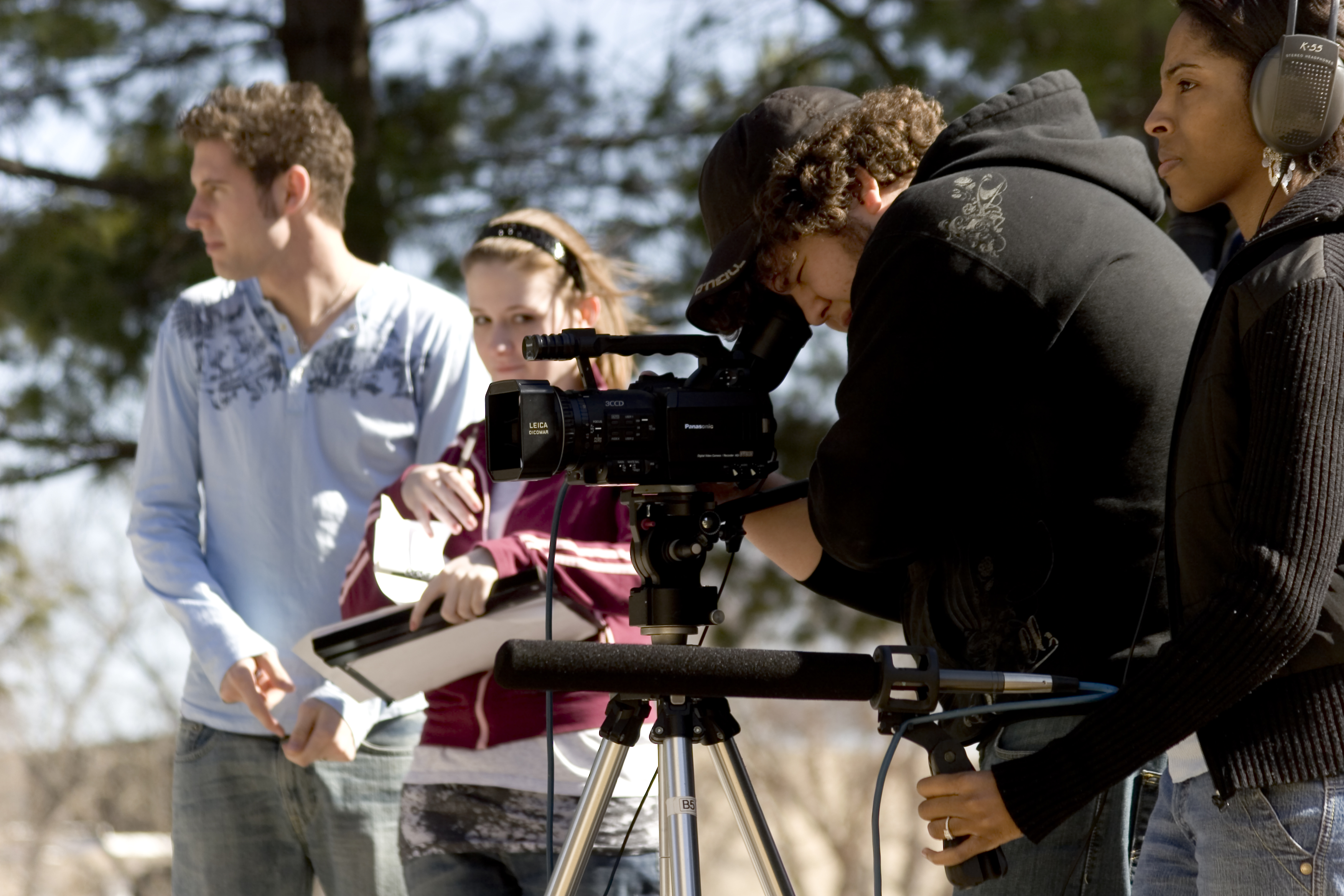
Most safety on the set is just common sense, but in the pressures of filmmaking common sense often gets thrown to the wind. Every film must have a safety meeting every day filming takes place outlining the potential dangers for the day and mentioning precautions that need to take place to avoid problems. This can be an informal five minute meeting between the assistant director and film department heads (DP, sound, director, art).

Often this meeting is part of a larger production planning meeting that takes place every morning outlining the shot list shooting schedule for the day. You need to conduct this safety meeting everyday that you film, even if only briefly and informally. Generally, danger on the set comes from the following areas and you should take precautions accordingly. Normally, the Assistant Director is the safety enforcement
officer on the set.
GENERAL CAUSALITY
This involves unsafe placements of sets, props, equipment, and cables so people trip and injure themselves unnecessarily. The prop master should
give a daily report as to that day’s props and any and all hazardous threats related to the same. Any sharp edged props (including knifes) should be handled with great care. Horseplay should never be tolerated at any time while cast and crew are present on the set. No person should be coaxed into handling any prop that causes them concern.

ELECTRICAL HAZARDS
Since large amounts of electricity are used for lights-the danger of blowing out circuits, overloading circuits and even starting a fire or electrocuting someone are always a hazard. Your lighting person should be familiar with capacity
limits and safe procedures for drawing and using electricity. If you are using more than two 650 watt bulbs or one 1000 watt bulb on a single home electrical circuit, you are in danger of blowing out the circuit. There may be several wall plugs on one circuit -so don’t just assume each wall plug is a separate circuit. A normal home has about five different circuits, but this can vary. Become familiar with where the circuit breaker box is, or have extra fuses for the circuits. Power should be turned off when plugging or unplugging high wattage equipment. To unplug any equipment, always grab the plug firmly and pull, do not grab
the cord.

FIRE HAZARDS
Placing powerful lights near flammable materials (e.g. curtains) for several hours on end can cause a fire. People smoking (including in film smoking) on a set with scattered paper and flammable materials and set dressing around can cause a fire. You should have a small fire extinguisher present on all sets. Obviously using a fire in the film (e.g. campfire or part of a set burning) can be a hazard.

FIREARMS
Any time guns with live ammunition are used on the set a licensed firearms expert is required by law to be present on the set supervising the scene.
However, even the use of unloaded weapons or rubber or fake weapons can be a hazard in that when the police or neighbors see what looks like a weapon they
may assume that it is and often act first and ask questions later. The safest choice for films made on this short notice is not to include weapons
in your film. And never include weapons in your film where they are displayed in a public place unless you have a city permit that specifies that and have cleared that permission.

ANIMALS
Snakes and deadly animals can be a hazard on the set and you need to have an exotic animal handler on the set to work with these. Rates per day for such people (who will often bring their own animals) may range from $500 on up. Ordinary household animals need to be treated safely on the set or there could be legal action from the Humane Society. If you are doing anything other than very ordinary shots of even household pets on a set, the Humane Society likes to be notified so they can be on the set. Make sure you have a place for the
animals to rest apart out of the sun and away from the crowded set where they could get hurt. Have plenty of water and food for them.

CHILDREN, THE ELDERLY, AND THE DISABLED
Special precautions need to be made with children on the set to keep them from hazards that adults would normally avoid. That is why a parent or guardian must be with them at all times. Minors can only be filmed so long without having a break (usually in the 2-4 hour range depending on age). Also, special precautions need to be made on the set for the elderly and disabled. Again this is common sense, but it is more likely that an unbalanced elderly person might trip over power cables running everywhere than a grip. Passage from one part of the set to another may be impeded for a disabled person. Preparations need to be made for these contingencies.

STUNTS
Even what are considered normal actions in everyday life can be considered stunts in filmmaking; e.g. tripping. And if in performing your script, an actor attempts a minor fall and hurts themselves, you could be liable. Any stunts, even minor ones need to be planned out and rehearsed so no one is hurt. Larger stunts should only be performed by licensed stuntmen and only after very careful preparation and rehearsal. Fights should be carefully rehearsed so no one gets hurt and should be staged by a professional stuntman. Truly
dangerous stunts: falling from buildings, car crashes, car hits, death defying stunts, etc. should not be attempted in your short film.

DRIVING AND MOVING SHOTS
Careful preparation needs to be made for any moving shot. All traffic laws must be followed, and the person driving the car (especially if it is an actor on camera) should never be distracted by too much direction or while he or she is driving. Any moving shot on a public street requires a permit obtainable through the Mayor’s Office and often requires police officers to be present. If a sizable number of crew are present on the street (e.g. more than two) during filming it can create a distracting hazard to other motorists and cause accidents. This is
why permits are required.

Also, blocking traffic to get a shot is not allowed unless police officers are present. The production team needs to make sure shots are planned out and rehearsed in advance so an accident knocking down heavy equipment does not happen.

OTHER HAZARDS
These will vary from film to film and you need to use common sense to spot these. For example, if you are filming in high places, you need to take precautions that all actors or crew are not put in jeopardy of falling. Filming at night presents its own hazards in terms of people not seeing potential hazards
early enough. You need to brainstorm potential threats on the set and be prepared for them-e.g. rope off sections of the set to cast and crew when not in use. Be careful in having a lot of guests on the set. Since they will be least familiar with what you are doing they potentially will stumble into the most danger. The safest thing is to close the set to guests; but if you do have guests, assign one crew member responsible for looking after them.

FIRST AID
The Assistant Director (or designated safety officer) should have directions and phone numbers to the nearest emergency rooms to all locations at which the crew will be filming. There should be a basic first aid kit on every set. These are easily obtainable at most drug stores. There should be one person on the set who has some first aid training designated as the first aid person who can see if a minor injury or medical condition that arises can be dealt with on the set or if it needs immediate medical attention.


PERMITS
Technically, permits are required by the city for ALL locations (including
filming in your own home) to insure that if anything the filmmakers are doing is unsafe that they city can shut down the film shoot immediately. The only
place permits are not required are when a shoot is on the lot of a registered film studio back lot or soundstage. Generally however, local authorities will
not check permits unless you are filming with a large crew and a lot of vehicles in a location where you are creating “an attractive hazard” to automobile traffic flow, or pedestrians on the streets, sidewalks, or in public places where an accident could occur.

COMMON SENSE
Most of what has been said above is common sense. And if you apply common sense,anticipate possible dangers, do all possible preparation to avoid them, and hire licensed professionals when the risk factor and state law requires it, you should not get into trouble. Everyone on the set is responsible for safety. Don’t let a driven director or producer push anyone to do something that is unsafe. Any member of cast or crew who anticipates a danger on the set, or sees an actual hazard should immediately report it to the Assistant Director or
designated safety officer on the set.

LAST WORD
Good films can be made in a week, but there are some limits to making a film in
weekend, and doing it safely. You may not be able to do everything just as the budget will limit you somewhat, so will the time limits on safety prep limit you to making films that may not have some riskier shots in them. You need to be aware of and accept these to run a safe set.